3. TheorChem2Blender - Basic use
Overview
TheorChem2Blender is a program that has 5 tabs. Which tabs to modify depend on the type of 3D file the user wants to create. For the simplest use of the program, you only need to specify the input, and convert it as output. The default output format is glb. Below is an example using the input_examples/ folder that comes with the program on how to convert a com input file to a glb 3D file.
Input tab
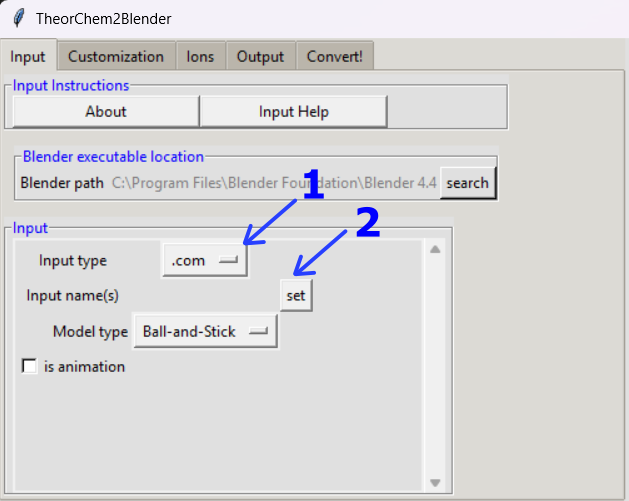
Leave .com as the input file
Click on set to select the input name
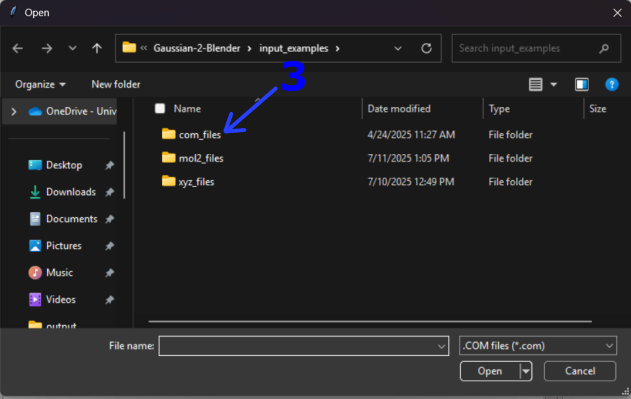
The input_examples/ folder was opened by default. Select com_files/
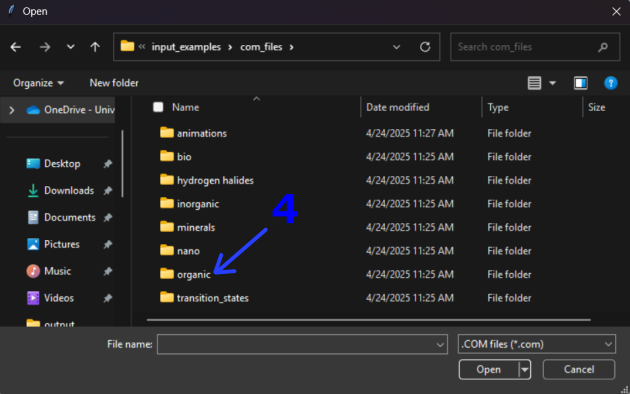
Among the available folder options choose organic/
Choose dimethyl_dithionate.com to follow this example
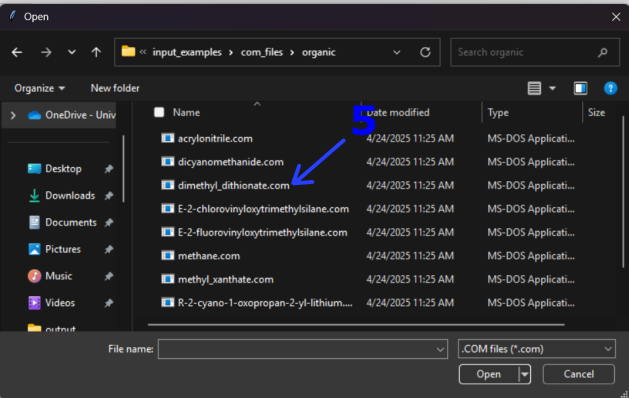
Notice how the name is now stored in the Input name(s) space
Click on the Convert! tab
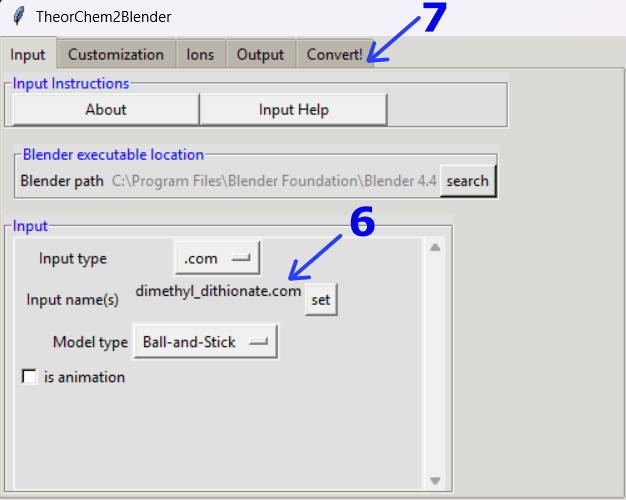
Convert! tab
Click on Convert!
Your file will appear by default in the output/ folder.
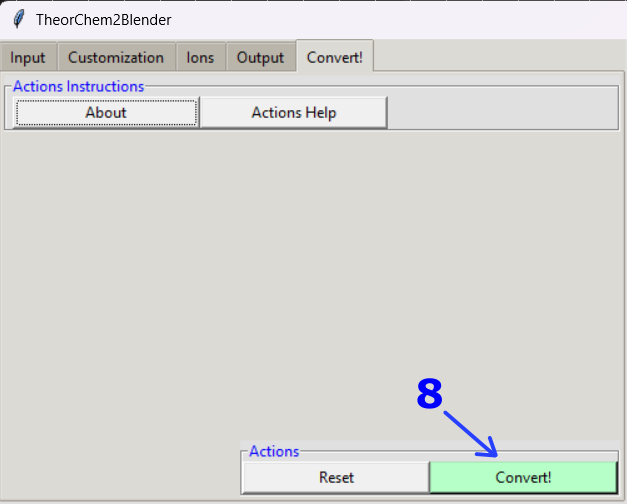
Note
🎥 To see a video recording of this walkthrough, visit the following link: Watch on YouTube
Previous: (2) From Molecular Dynamics to Blender (General) Next: (4) Highlighting atoms and bonds